
Chromebook · Account & billing
Check your subscription
Your plan on Chromebook is managed from the phone app.
Pick up where you left off?
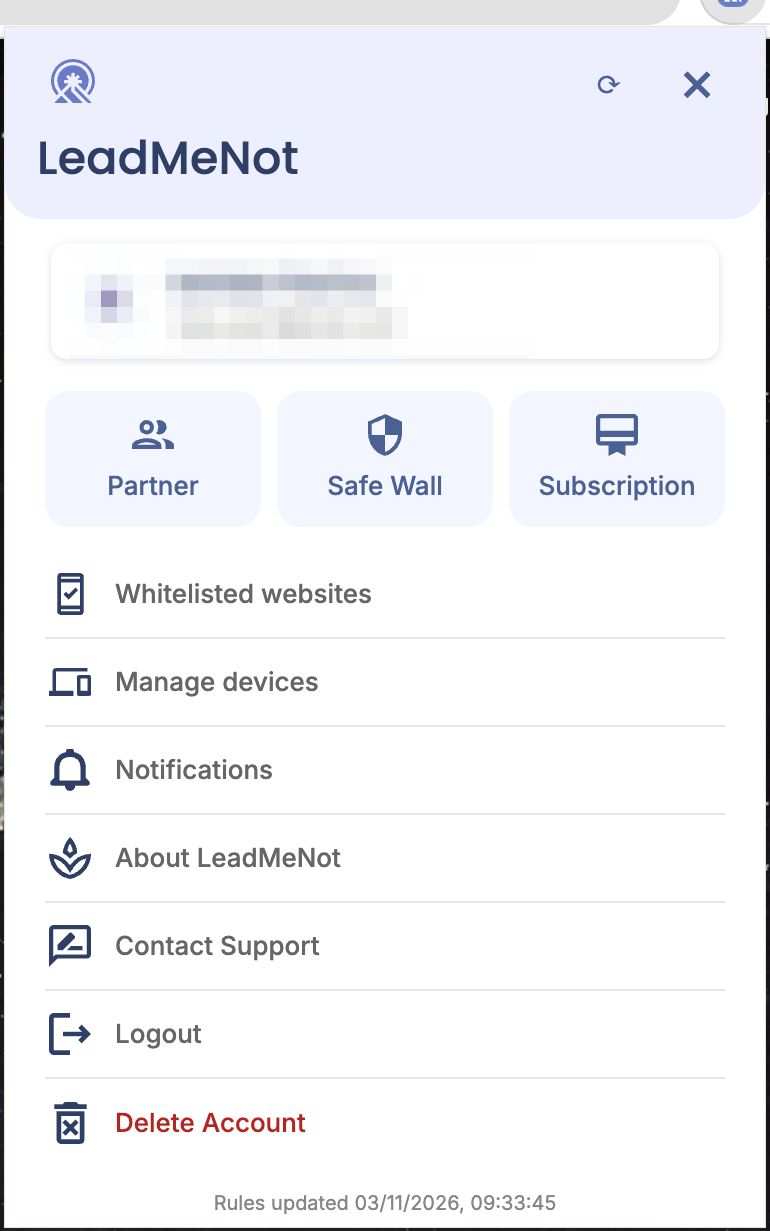
Step 1 of 2
Open You › Subscription
Click the person icon, then Subscription.
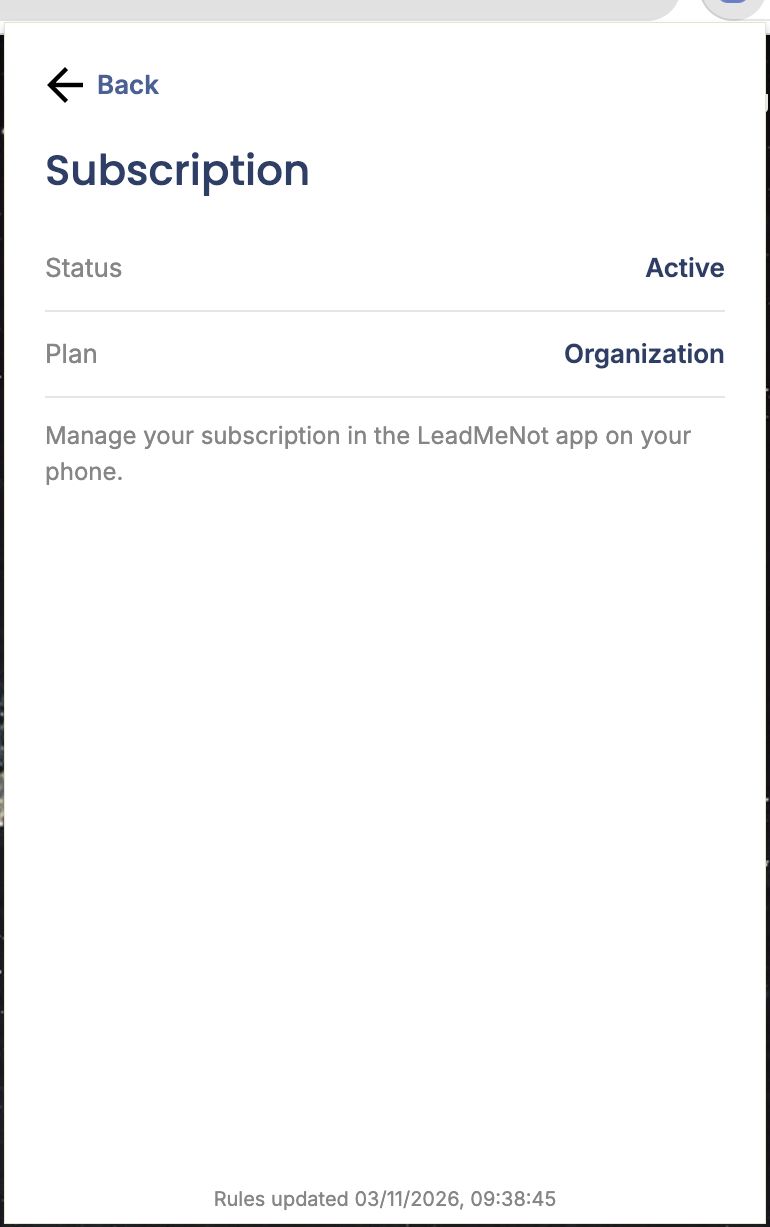
Step 2 of 2
Status and plan
You'll see whether it's active and which plan. Changes are made in the LeadMeNot app on your phone, or at app.leadmenot.org.
Pick an option above
Did this work?
Great. Here's what people usually do next:
Sorry about that. Email Jason and we'll include which guide and step you were on, or ask our assistant.