
LeadMeNot Help Center
Where do you want to start?
Pick what you're trying to do, find the screen you're stuck on, or just ask. Every guide walks you through the real app, one tap at a time.
Showing help forDetected from your device
I want to…
Most asked
Limit time on an app
Use Instagram, TikTok or YouTube for a set amount of time, then get blocked.
10 steps · about 3 min
Set up LeadMeNot for your child, spouse or someone else
Whose account, whose email, and how you stay in control.
7 steps · about 3 min
Log in or reset your password
Get back into your account, or get a password reset link.
4 steps · about 1 min
Block porn & explicit content
Switch on our built-in adult content list, then close the gaps in Safari.
5 steps · about 3 min
Block gambling sites and apps
Switch on our gambling and betting list, and tell a partner if you try.
4 steps · about 2 min
Stop new apps being installed or LeadMeNot being deleted
Switch on Install Protection and Uninstall Protection.
3 steps · about 1 min
Add an accountability partner
Invite someone you trust. They don't need to install anything.
6 steps · about 2 min
Turn a rule off (Make me wait)
Switch something off when your Safe Wall is set to Make me wait.
4 steps · about 2 min
Add your daily reflection
Check in with yourself each evening and track your progress.
3 steps · about 2 min
All iPhone guides40 step-by-step guidesBrowse
Set up LeadMeNot for your child, spouse or someone else
Whose account, whose email, and how you stay in control.
6 steps · about 3 min
Block an app, website or keyword
Add your own rule on top of our built-in lists.
3 steps · about 2 min
Add an accountability partner
Invite someone you trust from the You tab.
3 steps · about 2 min
Allow an app or website that's being blocked
Whitelist something you need, like your Messages app.
3 steps · about 2 min
Move LeadMeNot to a new phone
Free up your old phone so the new one can sign in.
3 steps · about 2 min
Stop LeadMeNot being deleted or bypassed
Uninstall Protection and Device Restart Protection.
2 steps · about 2 min
Block gambling sites and apps
Switch on our gambling list, add the sites that get you, and tell your partner.
4 steps · about 2 min
All Android guides15 step-by-step guidesBrowse
Set up LeadMeNot for your child, spouse or someone else
Whose account, whose email, and how you stay in control.
6 steps · about 3 min
Allow an app or website that's being blocked
Whitelist something you need, like your bank or a work tool.
4 steps · about 2 min
Add an accountability partner
Invite someone you trust. They don't need to install anything.
4 steps · about 2 min
Add LeadMeNot to another device
One account covers all your devices. Here's how to add a laptop, tablet or second phone.
4 steps · about 3 min
Block gambling sites and apps
Switch on our gambling list, add the sites that get you, and tell your partner.
4 steps · about 2 min
Block porn and gambling
Switch on our built-in lists.
3 steps · about 1 min
Block an app or website
Stop a site or program from opening at all.
7 steps · about 2 min
Choose your Safe Wall
Decide what it takes to switch protection off: a wait, or your partner's OK.
3 steps · about 2 min
The I'm Triggered button
One click tells your partner you need them, right now.
2 steps · about 1 min
All Windows guides22 step-by-step guidesBrowse
Set up LeadMeNot for your child, spouse or someone else
Whose account, whose email, and how you stay in control.
6 steps · about 3 min
Allow an app or website that's being blocked
Whitelist something you need, like your bank or a work tool.
4 steps · about 2 min
Add an accountability partner
Invite someone you trust. They don't need to install anything.
5 steps · about 2 min
Add LeadMeNot to another device
One account covers all your devices. Here's how to add a laptop, tablet or second phone.
4 steps · about 3 min
Block gambling sites and apps
Switch on our gambling list, add the sites that get you, and tell your partner.
4 steps · about 2 min
Block porn and gambling
Switch on our built-in lists.
3 steps · about 1 min
Block an app or website
Stop a site or program from opening at all.
7 steps · about 2 min
Choose your Safe Wall
Decide what it takes to switch protection off: a wait, or your partner's OK.
3 steps · about 2 min
The I'm Triggered button
One click tells your partner you need them, right now.
2 steps · about 1 min
All Mac guides21 step-by-step guidesBrowse
Set up LeadMeNot for your child, spouse or someone else
Whose account, whose email, and how you stay in control.
6 steps · about 3 min
Turn on protection in Incognito
Make sure private windows are protected too.
3 steps · about 1 min
Block a website or keyword
Add your own sites and words on top of the built-in lists.
6 steps · about 2 min
Block porn and gambling
Switch on our built-in lists.
2 steps · about 1 min
Add an accountability partner
Invite someone you trust from the You tab.
3 steps · about 1 min
Add LeadMeNot to another device
One account covers all your devices. Here's how to add a laptop, tablet or second phone.
4 steps · about 3 min
Block gambling sites and apps
Switch on our gambling list, add the sites that get you, and tell your partner.
4 steps · about 2 min
Turn a rule or the Blocker off
What Safe Wall does when you switch something off.
4 steps · about 1 min
All Chromebook guides15 step-by-step guidesBrowse
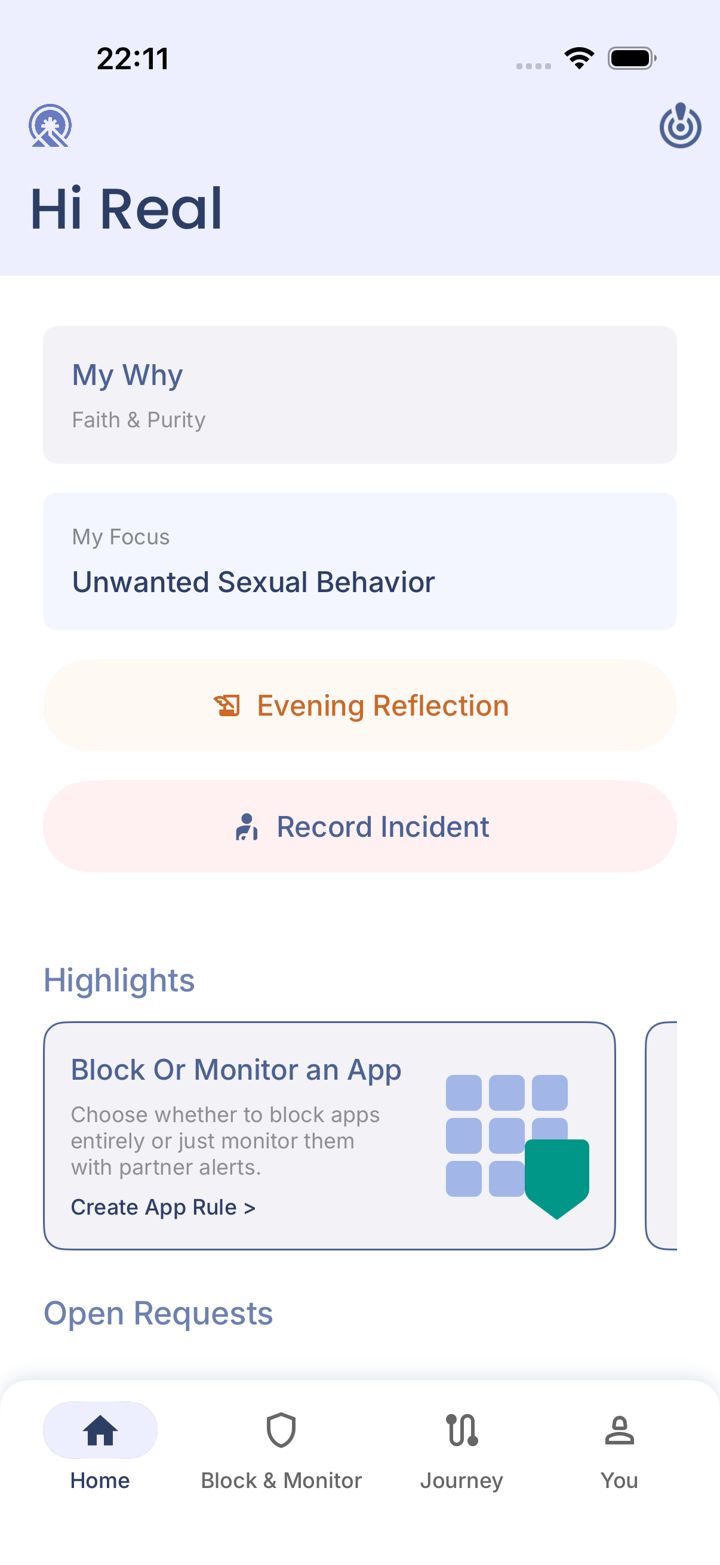
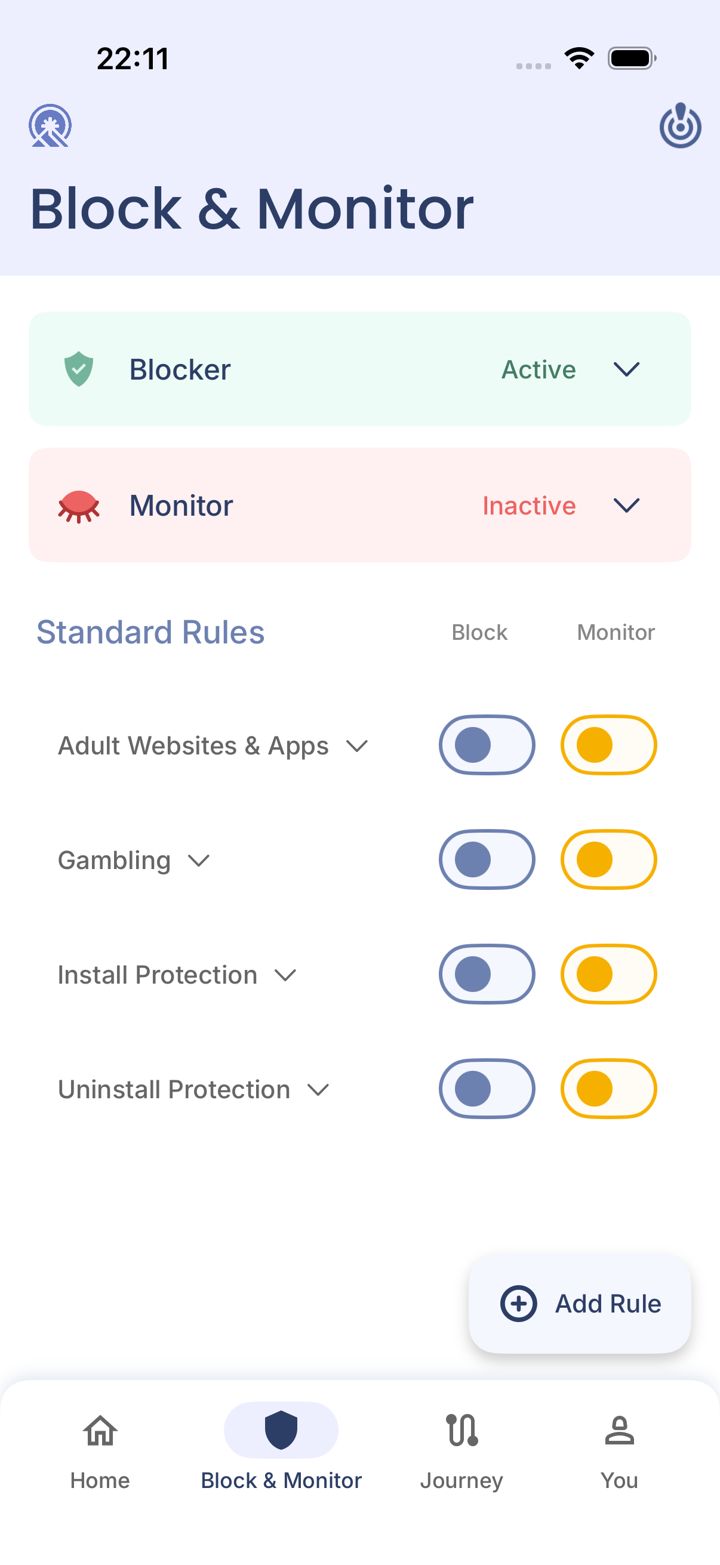
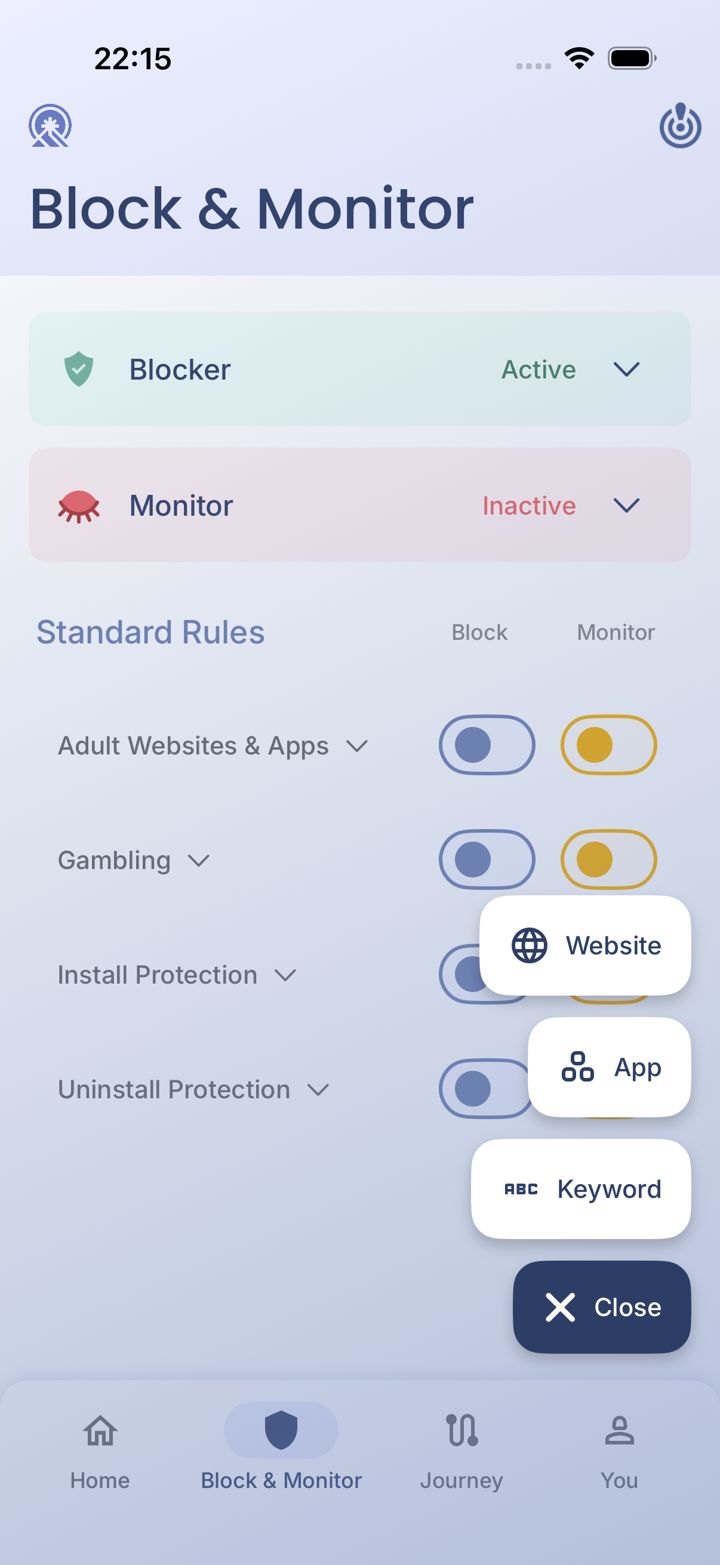
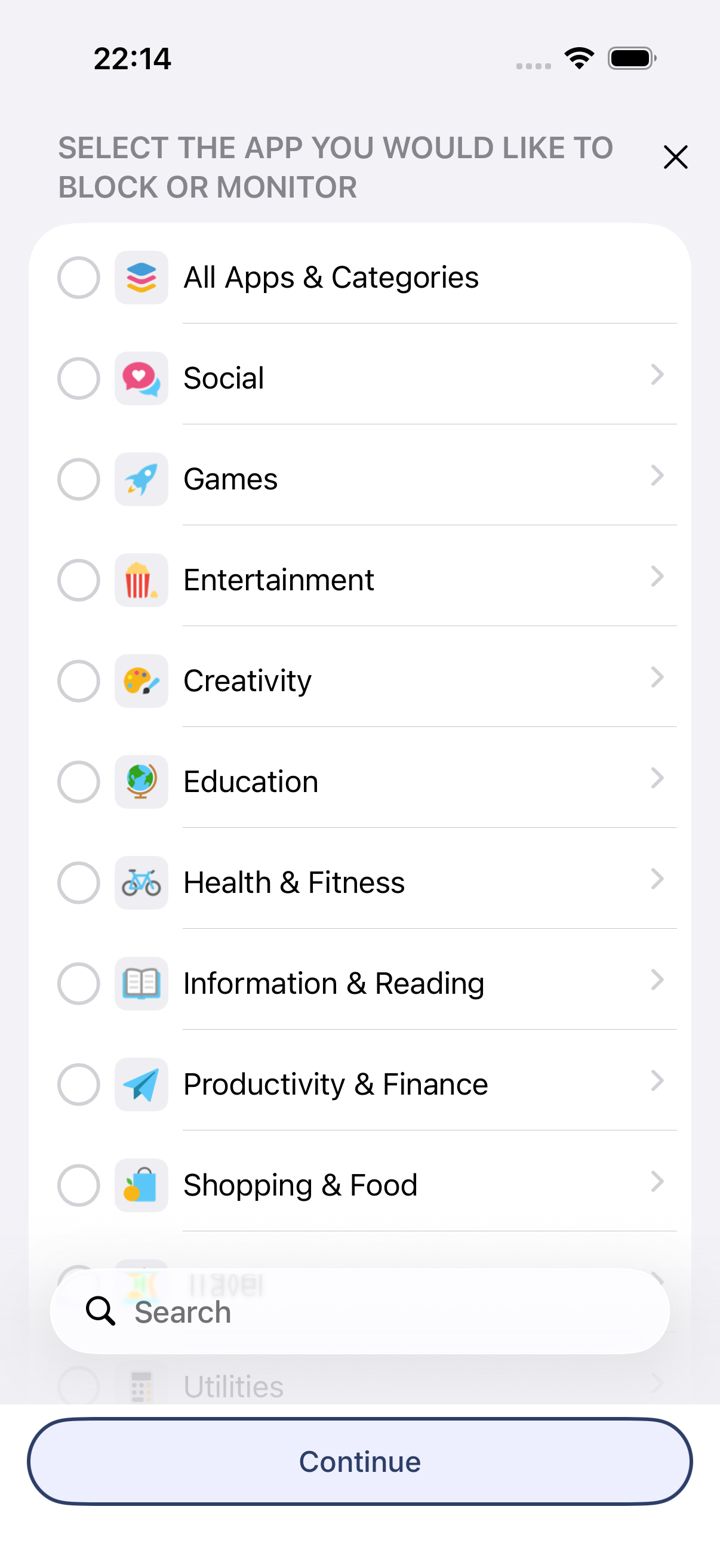
Stuck on a screen? iPhone & iPad
iPhone app screens for now; Android, Windows and Mac are coming. Tap the one that looks like your phone and we'll explain every option on it.
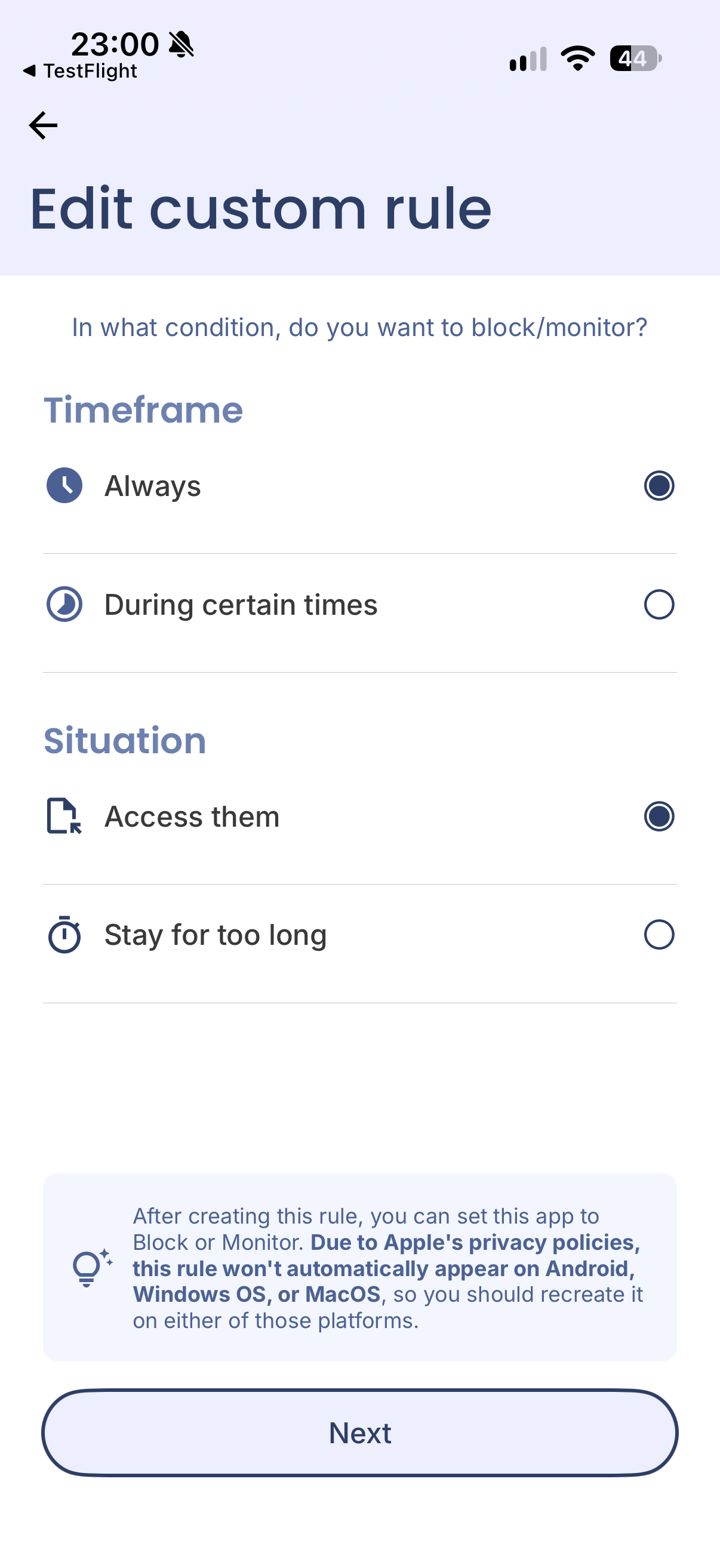
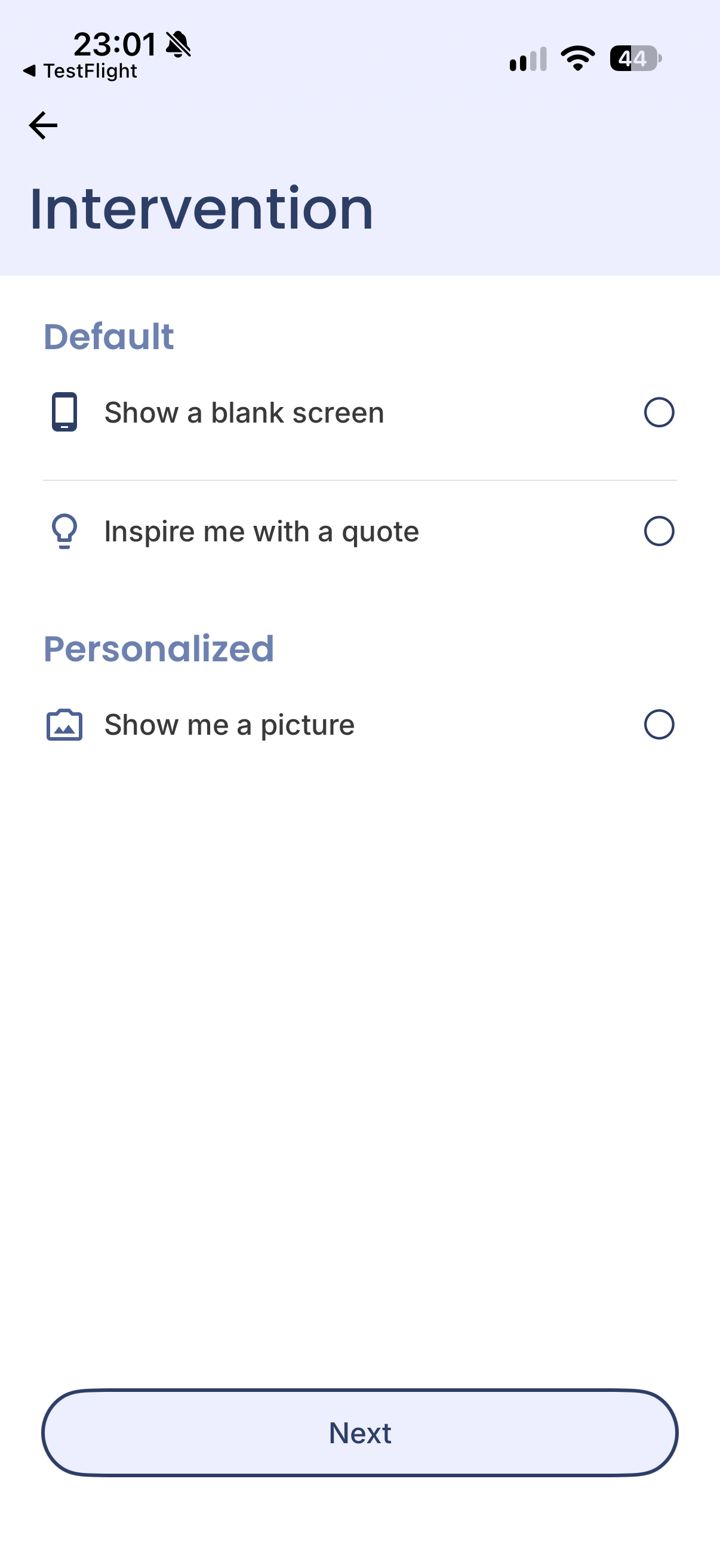
For accountability partners
Someone asked you to be their partner?
What you'll receive, what an alert really means, how to approve a request, and how to respond without shaming.
Common questions
My partner isn't getting alertsI blocked more than I meant toHow do I turn a rule off?I'm seeing “Device Limit Reached”How do I cancel my subscription?
Browse all questionsStill stuck?
Ask our assistant, or reach Jason directly. If you were in the middle of a guide, we'll include where you got stuck so you don't have to explain it again.