Android · Your journey
Record a slip
Had a hard moment? Log it honestly and keep going.
Not on Android? iPhone & iPad · Windows · Mac · Chromebook
Step 1 of 4
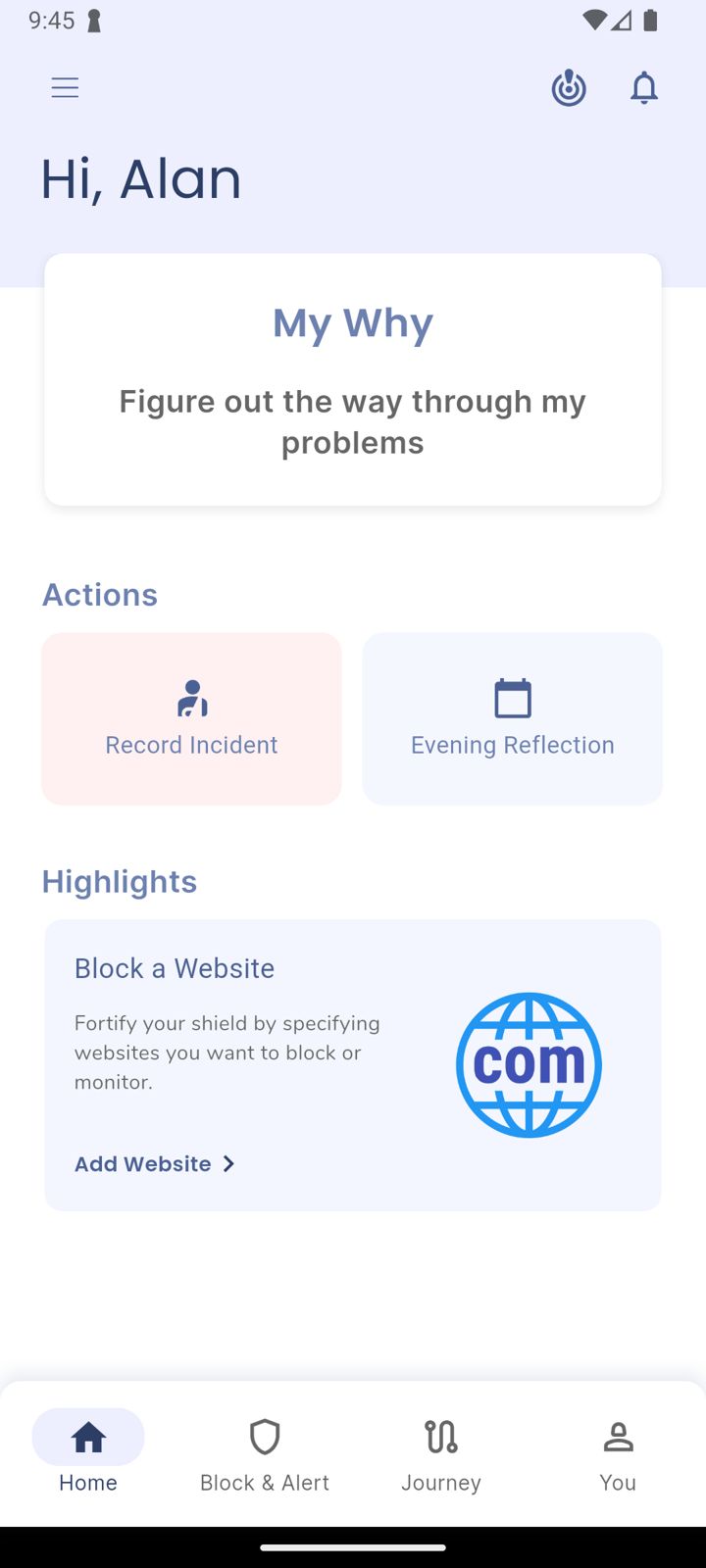
Tap Record Incident
On Home, under Actions, tap Record Incident.
Step 2 of 4
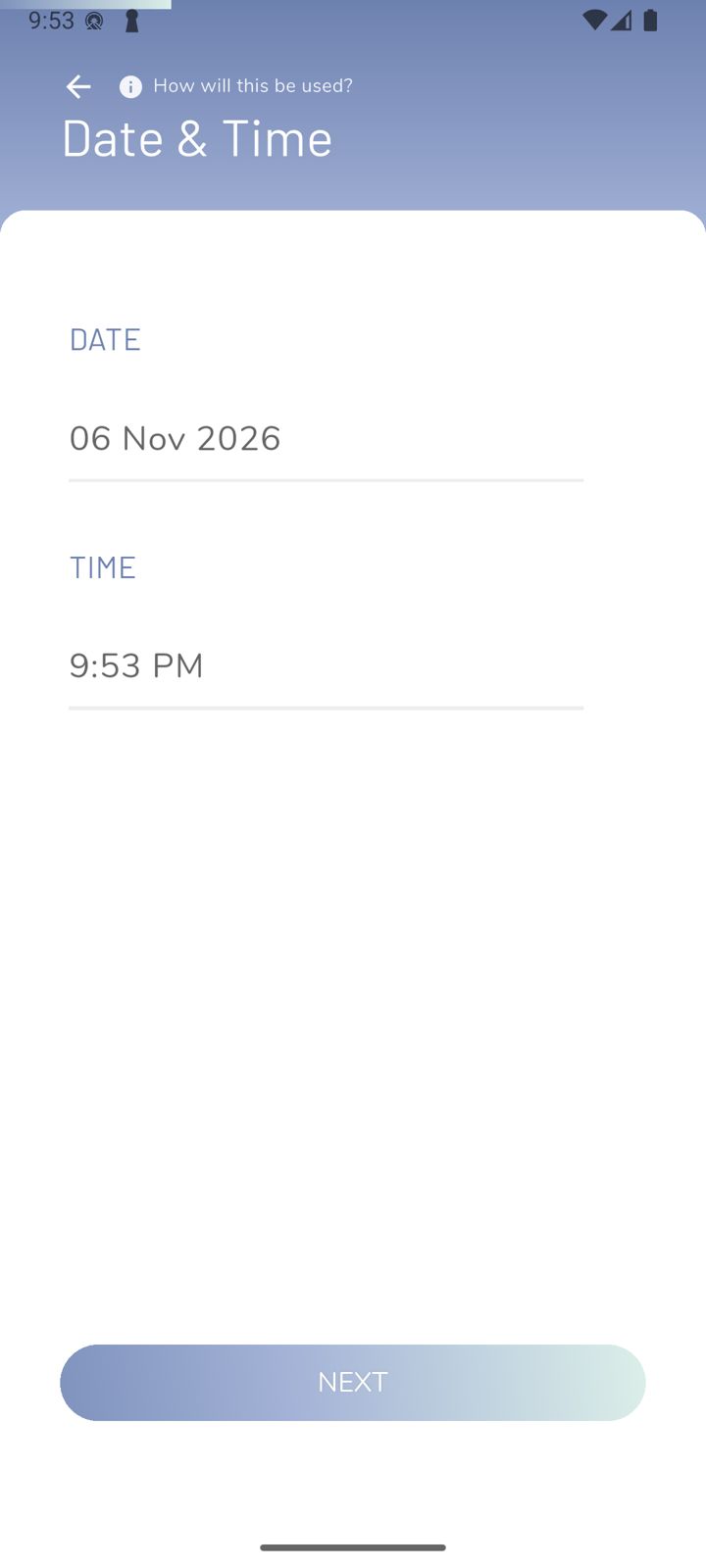
When it happened
Set the date and time, then answer a few short questions: what the trigger was, and what went down.
Step 3 of 4
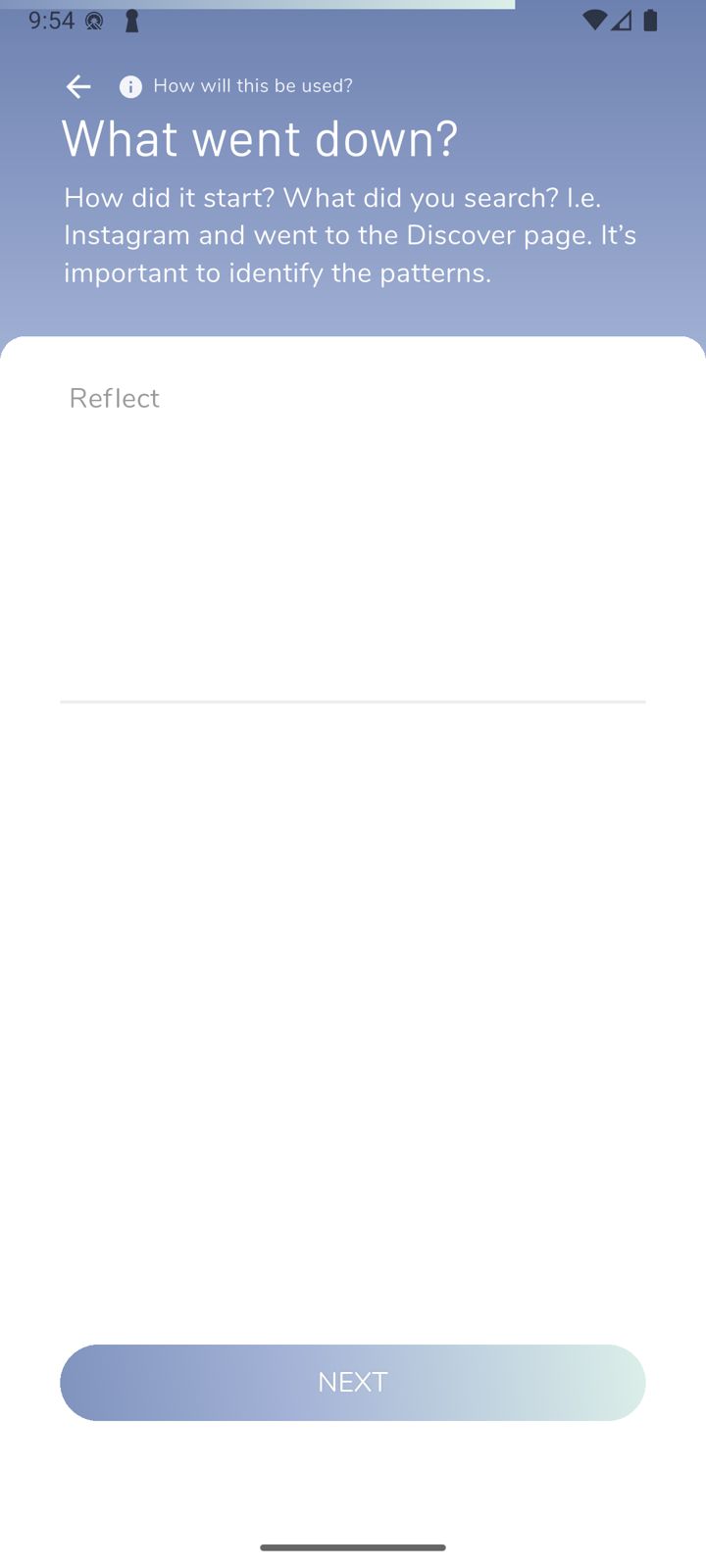
What went down
How did it start? What did you search? Writing down the pattern helps you spot it next time.
Step 4 of 4
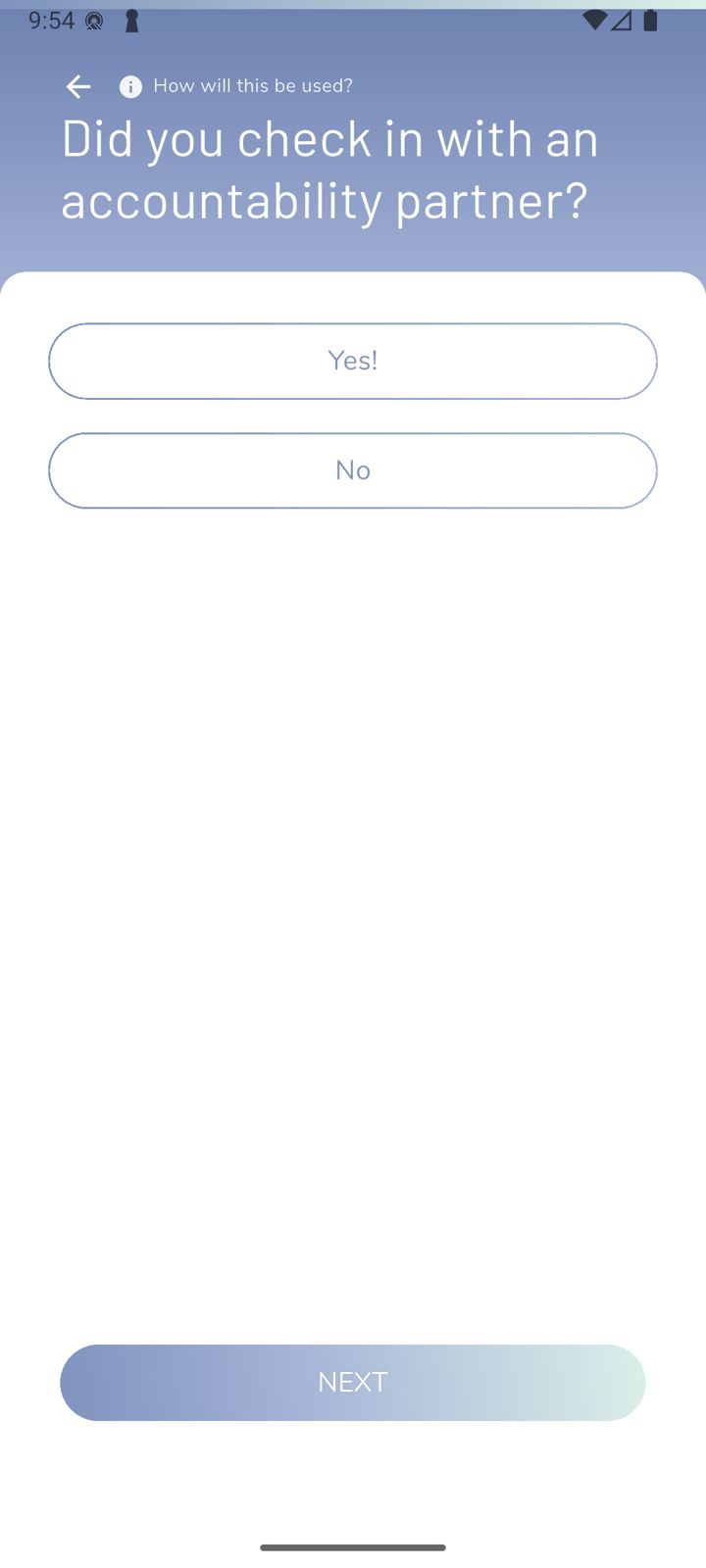
Did you check in with your partner?
Answer honestly. If you haven't yet, now's a good time.
If you're struggling, tell your partner too. You don't have to do this alone.
Did this work?
 That's a real step.
Your protection is set. If you've added a partner, they've got your back, so you're never doing this alone. Here's what people usually do next:
Sorry about that. Email Jason and we'll include which guide and step you were on, or ask our assistant.