
All screens
iPhone & iPad · App screen
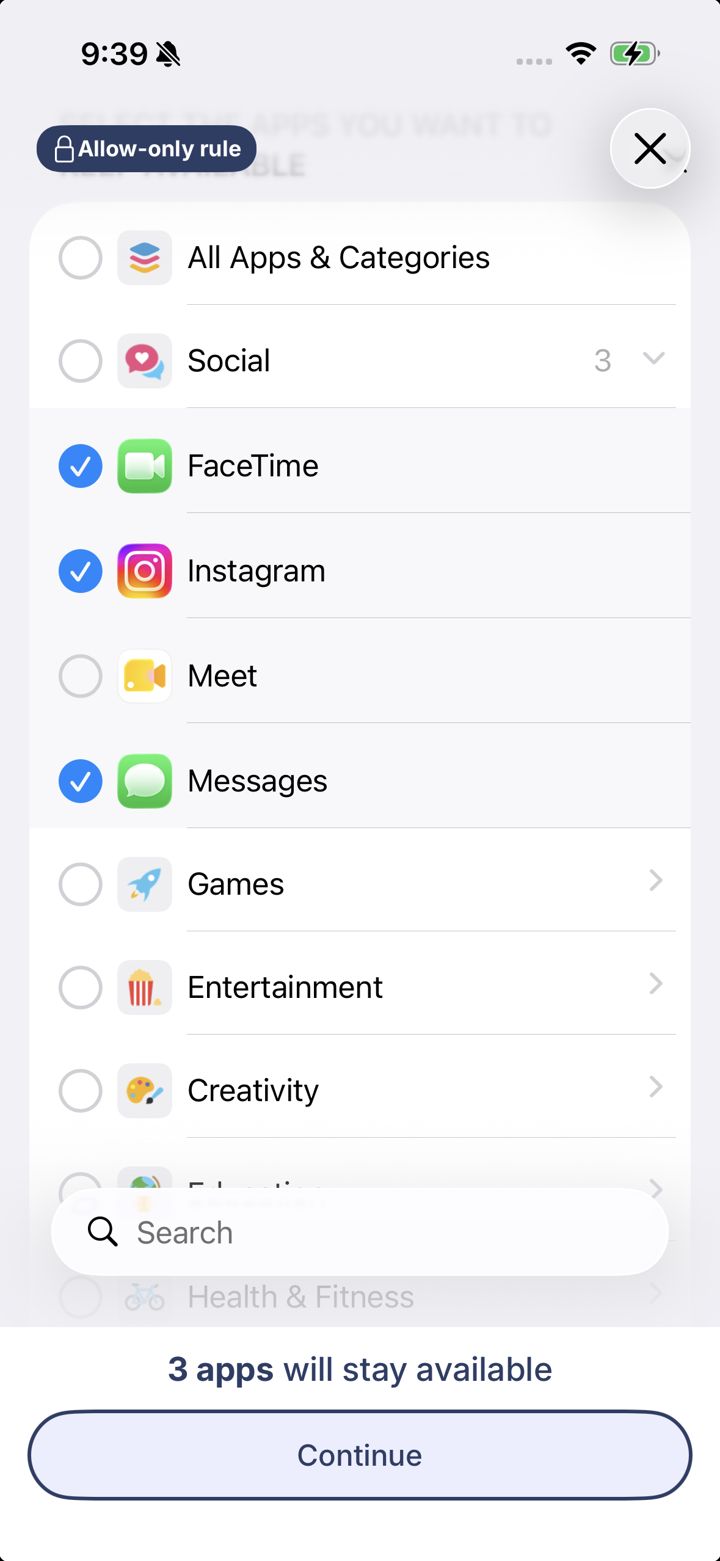
Allow-only app picker
Shown for an Allow only rule. Here you tick the apps to keep available; everything else is blocked while the rule is on.
What's on this screen
- Allow-only ruleReminds you you're choosing apps to keep, not apps to block.
- Category arrowOpens the category so you can tick single apps.
- SearchFind an app by name.
- apps will stay availableHow many apps you're keeping.
- ContinueGo on to choose when the rule applies.