
All screens
iPhone & iPad · App screen
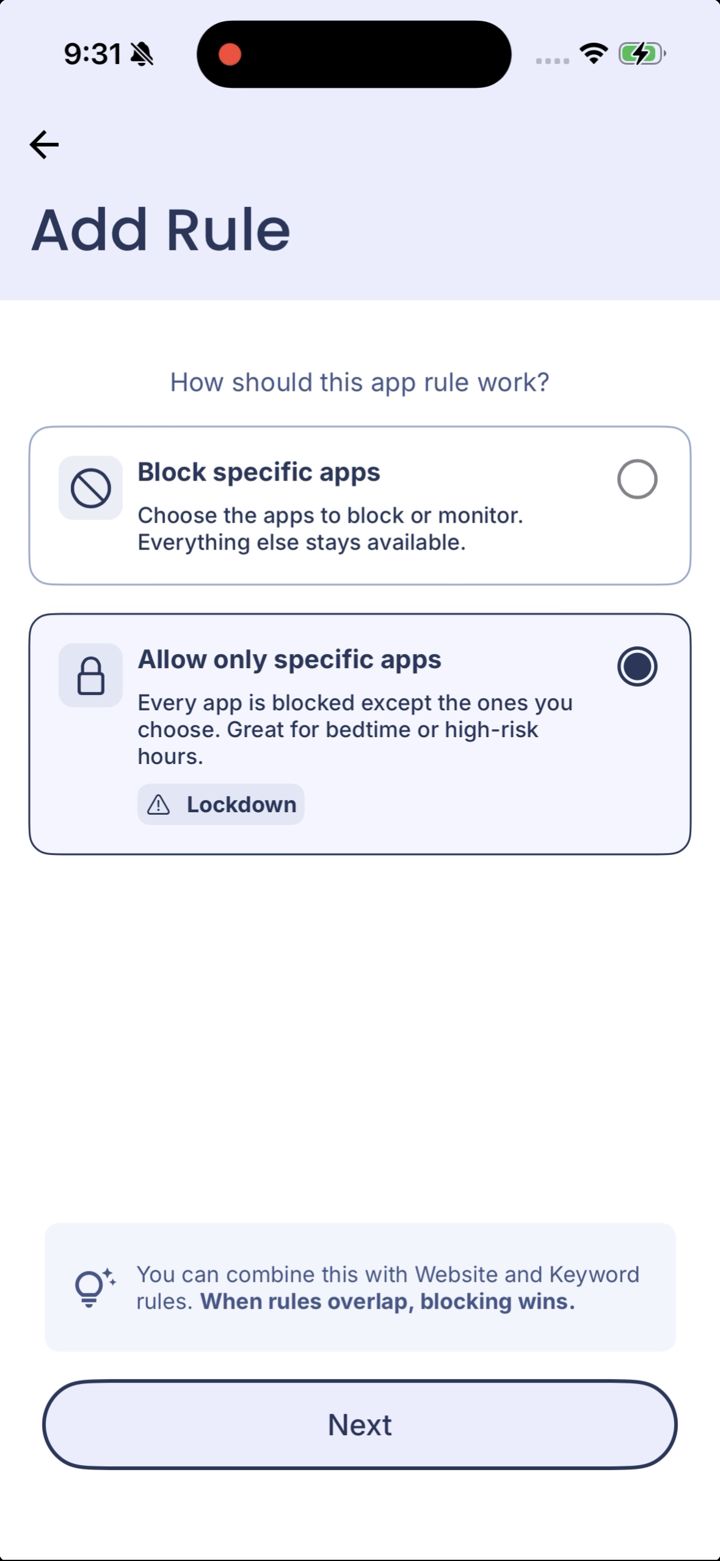
How should this app rule work?
Appears after you choose App in the Add Rule menu. Decides whether the rule blocks the apps you pick, or blocks every app except the ones you pick.
What's on this screen
- Block specific appsChoose the apps to block or monitor. Everything else stays available. This is what most rules use.
- Allow only specific appsEvery app is blocked except the ones you choose. Marked Lockdown. Great for bedtime or high-risk hours.
- When rules overlap, blocking winsIf one rule blocks an app and another allows it, it's blocked.